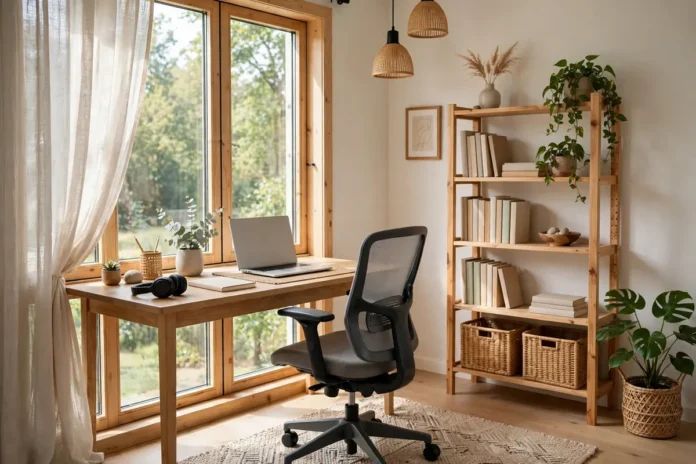
Working from home stopped being a novelty years ago, yet most home offices are still an afterthought: a laptop on the dining table, a chair borrowed from the kitchen, a pile of cables where your feet should be. The difference between that and a workspace that genuinely helps you think is rarely money — it is a handful of design decisions made in the right order. This guide walks through them: where the office goes, how to use light, what the desk setup needs, how to keep it tidy, and how to make a small or shared space work when a spare room simply does not exist.
Choose the spot like it matters (it does)
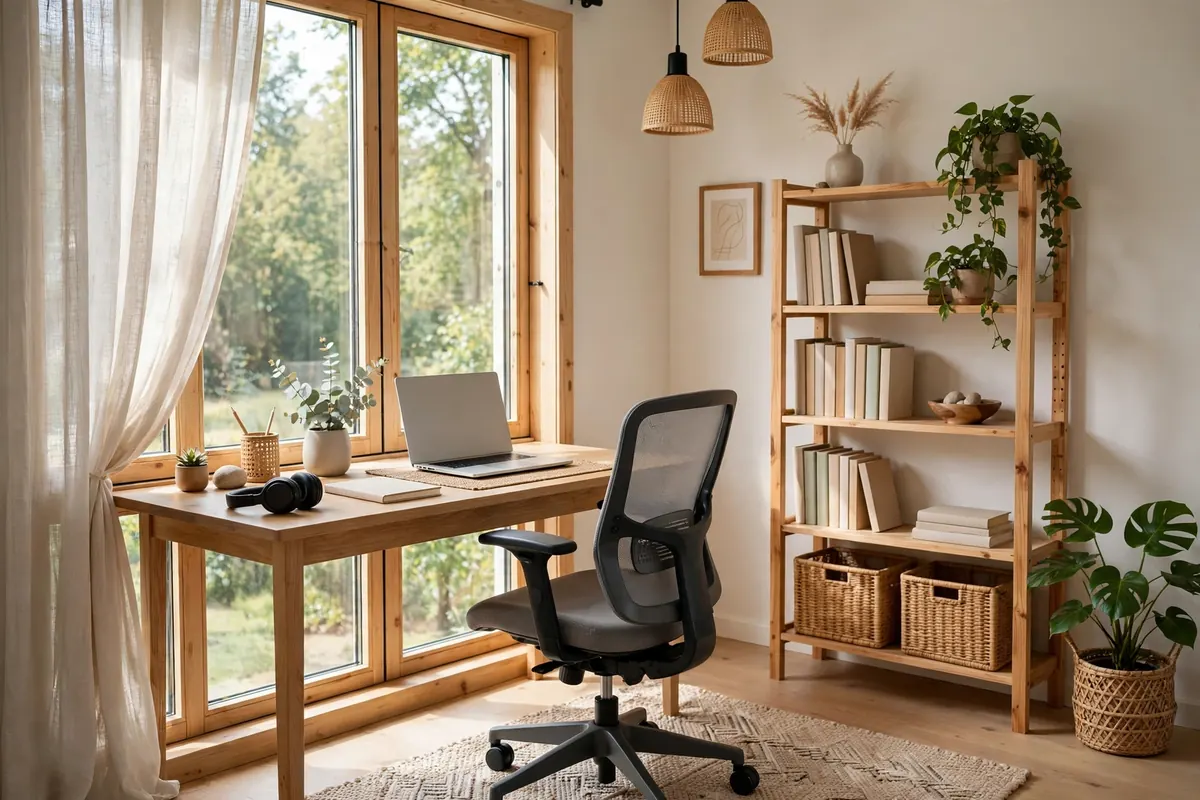
The best home office location has three things: a door or at least a boundary, daylight, and distance from the household’s noise centre. A spare bedroom is ideal, but a landing, an alcove, the wide end of a hallway or a sectioned corner of the living room can all work if they give you a consistent place that your brain learns to associate with work. That association is the real prize: when “office” is a place rather than wherever the laptop lands, starting and — just as important — stopping work both get easier. If the space is shared, define it physically: a rug, a bookcase used as a divider, or even a different wall colour behind the desk draws a line everyone can see. It helps to think like a room planner and divide a space without walls, using signals rather than barriers.
Light first, furniture second
Design the office around its light, not its furniture. Position the desk so daylight comes from the side — straight-on light from a window behind your screen creates glare; a window behind you turns you into a silhouette on video calls. A side window plus a decent blind is the sweet spot. For artificial light, think in layers like the rest of the house: soft ambient light from the ceiling, a proper task lamp for the desk itself, and no bare bulb in your eyeline. Warm-white light (around 3000–4000K) suits long working hours better than harsh blue-white, and a lamp you can angle beats a brighter one you cannot. That layered approach is the same one behind our cozy living room ideas.
The desk setup: ergonomics is design
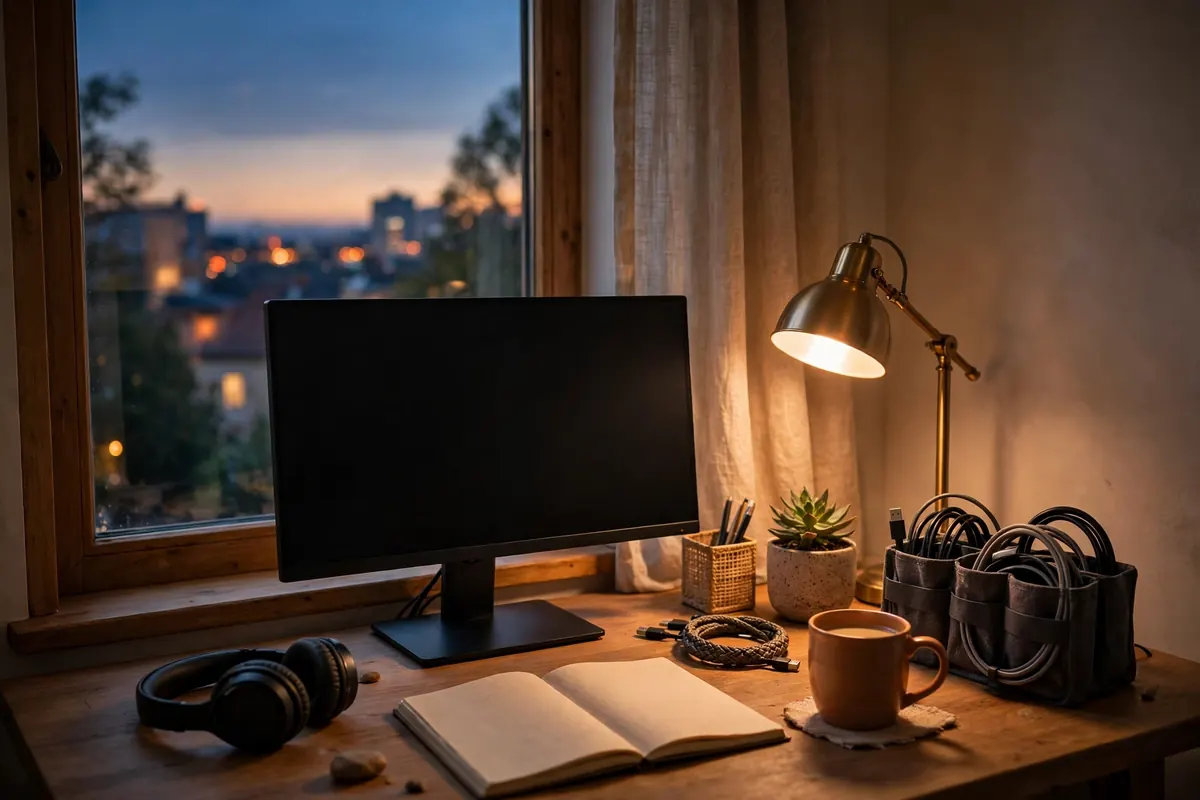
A beautiful desk arranged badly is still a bad office. The fundamentals: the top of your screen at or just below eye level (a stand or a stack of books achieves this), your elbows at roughly 90 degrees with feet flat on the floor, and the chair doing real work — lumbar support and adjustable height matter more to your 4 p.m. energy than any accessory on the desk. Keep the desk itself clear enough to think on: the rule designers use is that the working surface should hold only what the current task needs. Everything else belongs in storage within arm’s reach — drawers, a shelf, a closed cabinet — because visible clutter is background noise your brain keeps processing. Finally, tame the cables: a cable tray under the desk and one charging point instead of five transforms how tidy the space feels for almost no money.
Storage and the “shutdown” ritual
Home offices fail on storage more than on style. Paper, chargers, notebooks and tech accumulate until the desk is a shelf with a laptop on it. Plan storage in three zones: everyday items in the desk, weekly items on nearby shelves, and archives (the boxes you open twice a year) somewhere else entirely. Then borrow a trick from people who work well at home: a two-minute shutdown ritual. Clear the desk, close the laptop, put the chair straight. It sounds trivial; in practice it is the boundary that stops work leaking into the whole house — and in a small space, it is what gives you your room back in the evening.
Small-space and budget versions
No spare room? Three setups work surprisingly well. A closet office (“cloffice”) — desk inside a wardrobe-depth closet, shelves above, doors that close on work at night. A fold-down wall desk in a bedroom or hallway, paired with a chair that earns its place elsewhere when folded away. Or a defined corner of the living room, desk facing a wall to cut distraction, with a plant or shelving marking the zone — for choosing that furniture, our small living room layout ideas cover the same traffic-flow thinking. On a budget, spend in this order: chair, light, screen height, storage, decor last. A plant, one picture and a consistent colour for your desk accessories will make even the budget version look deliberate.
FAQ
What is the most important thing in a home office?
Light and ergonomics: a desk positioned for side daylight, a supportive adjustable chair, and your screen at eye level. They affect your energy and posture every single day; decor can wait.
How do I make a home office in a small apartment?
Use a closet office, a fold-down desk, or a defined living-room corner with the desk facing a wall. Physical boundaries — a rug, shelving, a screen — matter more than square footage.
What colours are best for a home office?
Calm, light colours keep small offices feeling bigger and reduce visual noise; soft greens and warm neutrals are popular for focus. Add stronger colour in accessories you can change, not the walls you cannot.
How much should I spend setting up a home office?
A functional setup can start small: prioritise the chair, a task lamp and raising your screen. Storage and decor can be added gradually — most of what makes an office feel designed is order, not spending.